![Parsd_logo_new_gray_large.png]](https://support.parsd.com/hs-fs/hubfs/Parsd_logo_new_gray_large.png?height=49&name=Parsd_logo_new_gray_large.png)
How to remove the Zotoro import integration:
- Click on "Integration" in the left menu
- Choose the Zotero button
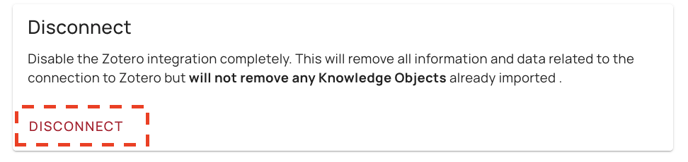
- Click the Disconnect button at the bottom of the page.
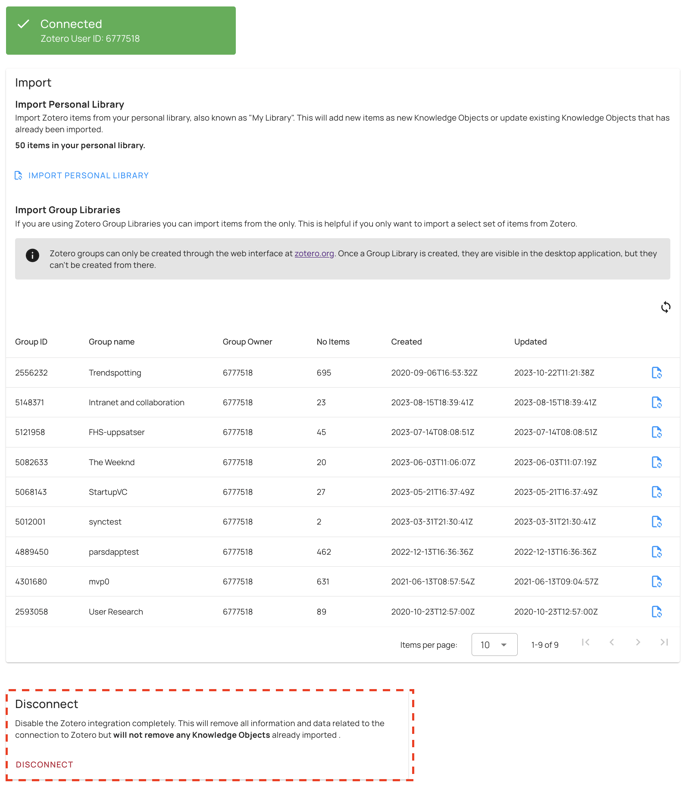
Zotero integration information will be removed
This will remove all information and data related to the connection to Zotero but will not remove any Knowledge Objects already imported. It will also delete your user-specific API-key from Parsd. To setup resync you have to get that from your secure notes or by creating a new key in the Zotero webpage.
 Deleting Knowledge Objects
To delete Knowledge Objects created from the Zotero import integration you have to delete them manually from you Knowledge Base.