![Parsd_logo_new_gray_large.png]](https://support.parsd.com/hs-fs/hubfs/Parsd_logo_new_gray_large.png?height=49&name=Parsd_logo_new_gray_large.png)
Issue
If one of your Knowledge Objects is missing content, this may block further enrichment of the object, such as Entity Extraction, Word Count, etcetera. This usually happens when only metadata is synchronized from your Reference Manager application (e.g. Zotero) to the Parsd platform, or an error occurs during file upload/processing in the app. This can sometimes also happen if a PDF file is rendered as a picture of a document instead of lines of text.
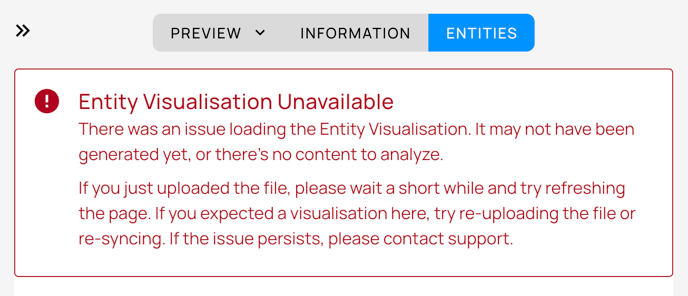
Steps to Resolve the Issue
- In your favourite reference manager application: ensure a Content Child Source (file) is linked to the Metadata Parent Source.
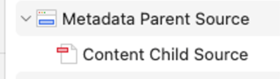
- After (re-) organising the content in your reference manager, synchronise the Parsd App by clicking the sync button in the Knowledge Base view.

- If the failed Knowledge Object was uploaded manually to the Parsd app, delete the Object and upload it again.
- If the failed Knowledge Object is due to a "faulty" PDF, this can be easily detected:
- Try marking single words, sentences, or paragraphs. If that is not possible to do, the PDF needs to be re-rendered or interpreted using an OCR application.
- Sync or upload the new version of the PDF file to the Parsd app.
Further Support´
If you still encounter issues after following these steps, please contact the Parsd support team for further assistance: hello@parsd.com. Provide details about the problem and the steps you have already taken, including screenshots of problem-solving.
.